I fixed your model and re-uploaded it for you. Your normals were in reverse. Use "select" "face" and pick each face that is in reverse, then press "Ctrl, Shift and F " at the same time and it will reverse the normals.
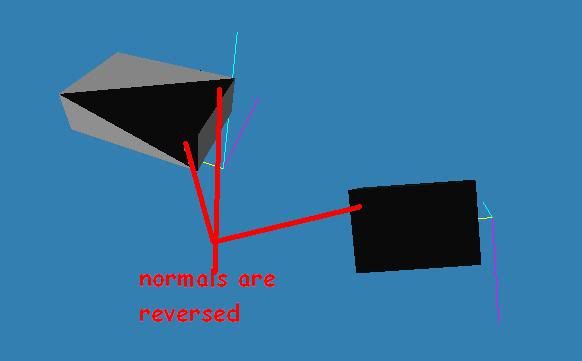
For the scale, you can adjust the scale by changing the " Position Scaling " from 0.1 to 1 (1=100%). Now if the Scale is still to big then you can adjust that using the fpe under " scale = 100 "
Exporting the entity from the model program at the scale you want reduces the need to edit the scale in the fpe. I use a wall and floor of a segment to scale my stuff before export, so it will look just like I wanted it to in-game.
Hope this helps.
